
- 🍉 界面简洁,功能强大,资源消耗低
- 🍊 易于使用,可视化操作,零代码使用
- 🍠 一键切换内网和外网模式
- 🍵 支持 Docker 部署(兼容 Arm 系统)
- 🎪 支持多账户隔离
- 🎏 支持查看系统状态
- 🫙 支持自定义 JS、CSS
- 🍻 使用简单,无需连接外部数据库
- 🍾 丰富的图标样式,可自由组合,支持Iconify 图标库
- 🚁 支持在网页上打开小窗口(某些第三方网站可能会阻止此功能)
图像预览:
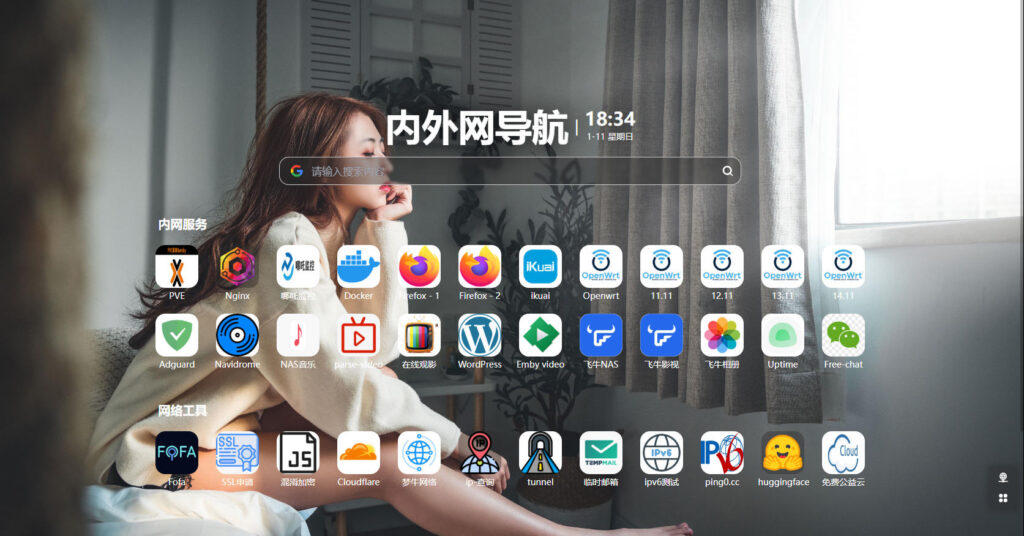
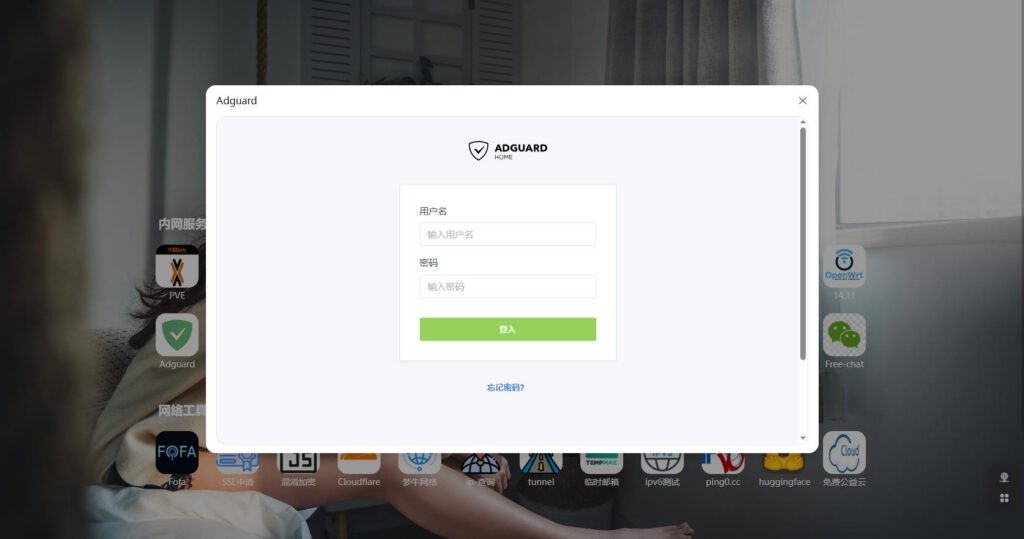
‘’如果用的是透明代理 外网情况的也可以使用内网方式访问’‘。。。总体来说体验优秀
不太建议使用较新的版本,推荐1.3.0
Dockercompose配置文件:
version: "3.2"
services:
  sun-panel:
    image: hslr/sun-panel:latest
    container_name: sun-panel
    volumes:
      - ./conf:/app/conf
      - /var/run/docker.sock:/var/run/docker.sock # Mount the Docker socket
      # - ./runtime:/app/runtime # Mount the log directory
      # - /mnt/sata1-1:/os # Mount the hard drive (modify according to your needs)
    ports:
      - 3002:3002
    restart: always
我为美人夺天下:结